
Pentanik Smartboard Price In Bangladesh
Updated on: September 29, 2026Showing 3 of 3 products

Pentanik
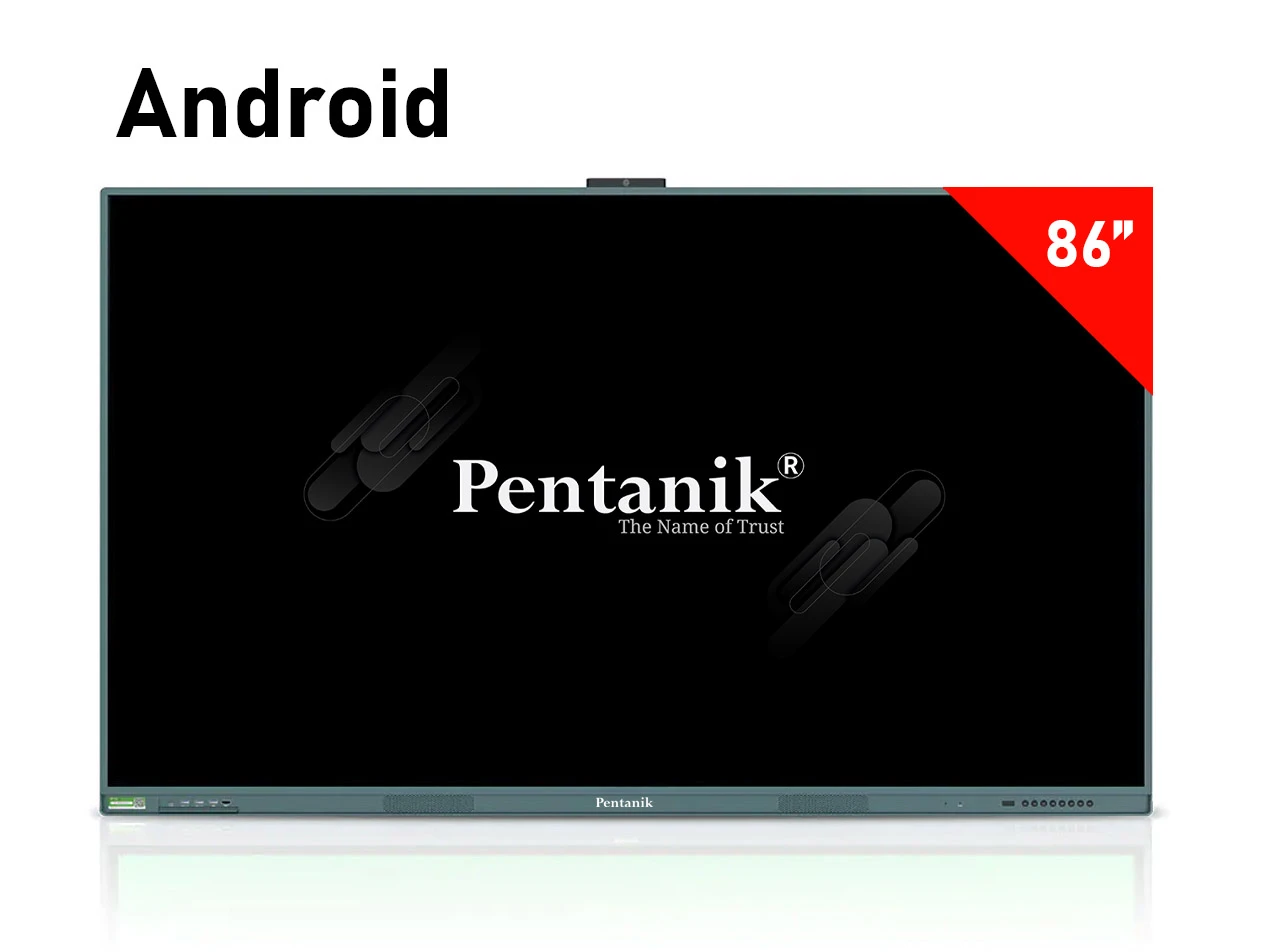
86 Inch Interactive Whiteboard (Android)
86-inch TV1 year warranty
BDT 330,000BDT 520,000
In stock
Pentanik Smartboard Price in Bangladesh
Pentanik Smartboards are interactive flat panel displays designed for digital classrooms, coaching centres, training rooms, conference spaces, offices and other environments where users need a large touchscreen for presentation, annotation and collaborative work. Ponnobd Electronics currently lists Pentanik Smartboards in 65-inch, 75-inch and 86-inch screen sizes, with separate Android and Windows-labelled configurations. The available models combine large 4K displays with touch functionality and integrated hardware intended for teaching, presentations, meetings and digital whiteboard use. Customers researching Pentanik Smartboard Price in Bangladesh can currently compare six products on this category page. The listed selling prices range from BDT 230,000 to BDT 380,000, depending primarily on screen size and system configuration. Customers who want to compare the Pentanik range with the wider interactive display category can also explore Ponnobd's Smartboard price in Bangladesh page before selecting a particular model. The right smartboard depends on more than screen size or price. Buyers should consider the operating environment, room size, software requirements, connectivity, writing experience, built-in camera and microphone requirements, installation method and after-sales terms before confirming an order. Product prices and availability can change, so the individual product page should be checked before purchase.
Latest Pentanik Smartboard Price List in Bangladesh
The following Pentanik Smartboard price list is based on the products and current selling prices displayed by Ponnobd Electronics. The category currently contains three screen sizes with Android and Windows-labelled alternatives. Prices and stock status may change according to product availability, supplier or market adjustments and current offers. Ponnobd's terms also state that product prices can change without prior notice and that availability is not guaranteed until an order is confirmed. Buyers should therefore open the selected product page and confirm the current configuration, stock and final order details before purchasing.
Types of Pentanik Smartboard Available in Bangladesh
Ponnobd's current Pentanik Smartboard collection can be divided by screen size and system configuration. The available screen sizes are 65 inches, 75 inches and 86 inches. Each size is listed with Android and Windows-labelled options, allowing customers to choose according to the room, software workflow and budget. The broader Bangladesh interactive flat panel market also places strong emphasis on 4K resolution, screen size, Android operating systems, OPS or Windows capability, RAM, storage, touch performance, cameras, microphones and connectivity. These same decision areas are therefore useful when comparing Pentanik Smartboards with other interactive display products available in Bangladesh.
65 Inch Pentanik Smartboard
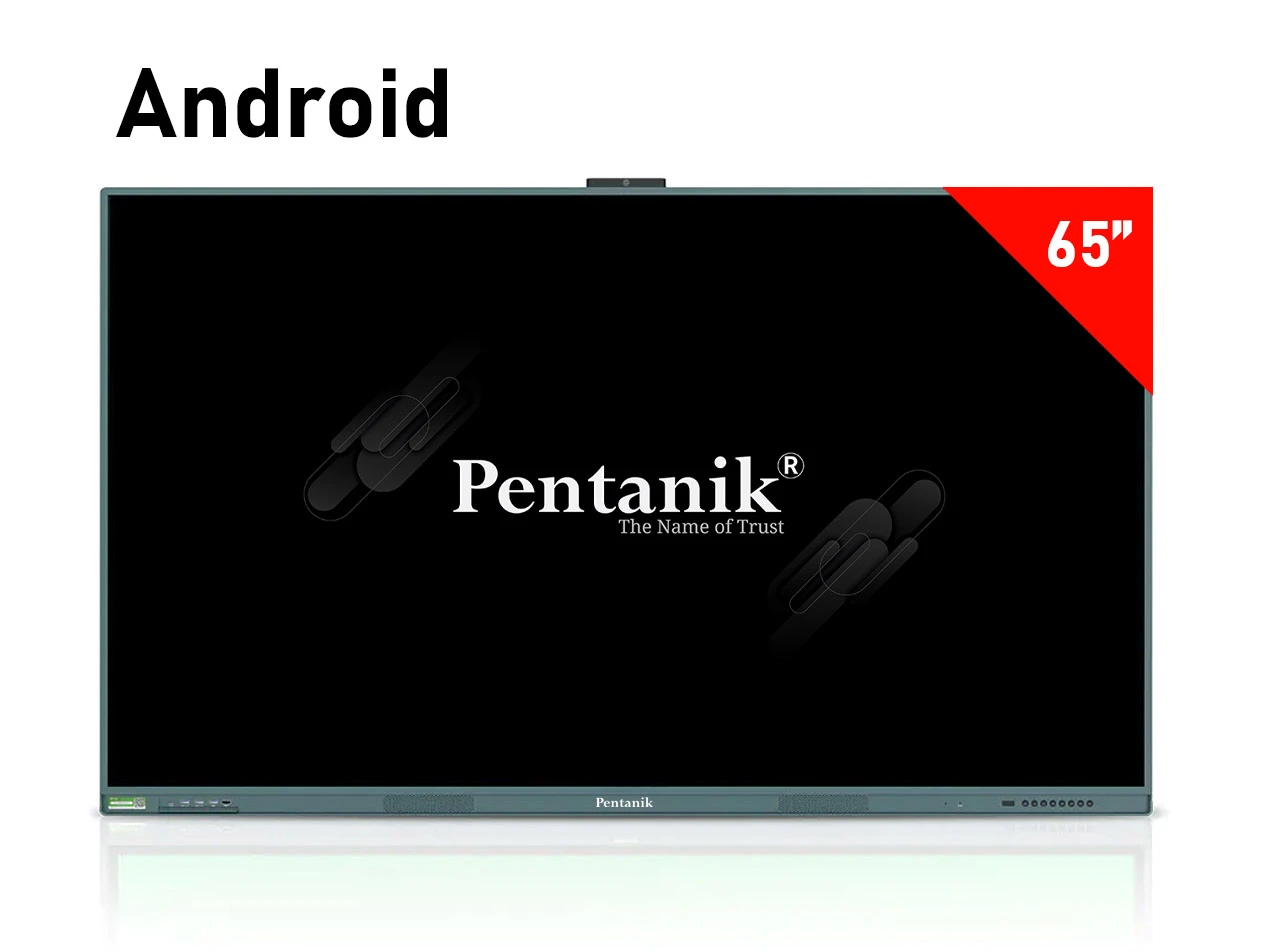
A 65-inch Pentanik Smartboard is the most affordable size currently available in this collection. Ponnobd lists a 65-inch Android model at BDT 230,000 and a 65-inch Windows-labelled model at BDT 280,000. The Android product page specifies a 4K resolution of 3840 × 2160 pixels, Android 13, two touch pens, built-in 13MP 4K camera, microphone, two 15W front speakers and USB 3.0, HDMI, VGA and RJ45 connectivity. This size can be considered by schools, coaching centres, training spaces and offices where a large interactive display is required but an even larger 75-inch or 86-inch panel is unnecessary. Room dimensions, seating distance and the readability of detailed content should still be evaluated before selecting the smallest option in the range.
75 Inch Pentanik Smartboard
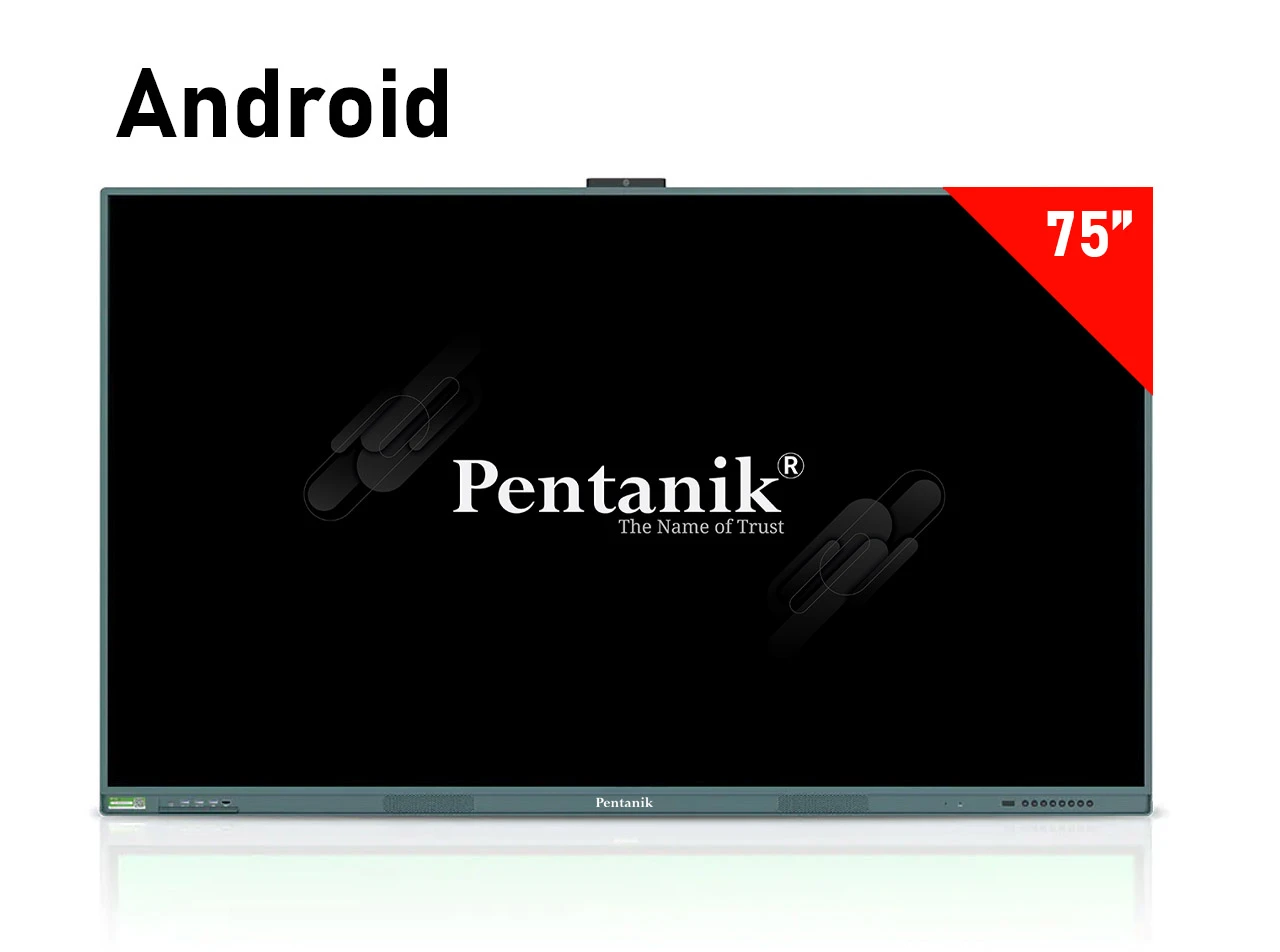
The 75-inch range provides more screen area for presentations, lesson materials, diagrams and collaborative content. The Android model is currently listed at BDT 290,000, while the Windows-labelled version is BDT 350,000. The Android product page lists Android 13, 4K resolution, 60Hz refresh rate, two touch pens, a 13MP 4K camera, microphone, two 15W front speakers and multiple physical connection options. The 75-inch Windows product page additionally lists Windows operating-system compatibility, a 12th-generation Core i5 processor, 4GB DDR4 RAM and an 8/256GB storage configuration. Organisations intending to run desktop-oriented software should examine the Windows model specifications and confirm that the final hardware configuration matches their required applications before ordering.
86 Inch Pentanik Smartboard
The 86-inch Pentanik Smartboard is the largest screen currently shown in this category. Ponnobd lists the Android version at BDT 330,000 and the Windows-labelled version at BDT 380,000. The 86-inch Android specification table shows Android 13, a 4K 3840 × 2160 display, 60Hz refresh rate, two touch pens, built-in 13MP 4K camera, microphone, front speakers and USB 3.0, HDMI, VGA and RJ45 connectivity. An 86-inch interactive display can provide a larger visual workspace where presentations, digital writing and shared content must remain visible across a larger room. Buyers considering this size should also plan how the display will be positioned and whether a fixed installation or movable floor stand will better suit the space.
Android vs Windows Pentanik Smartboard
Android Smartboard for Integrated Digital Workflows
Ponnobd currently lists Android 13 on the 65-inch, 75-inch and 86-inch Android Smartboard product pages. These models combine the interactive panel with an integrated operating environment, which can reduce reliance on a separate desktop computer for compatible tasks. The listed Android models also include touch pens, a built-in camera, microphone, speakers and common display or network interfaces.
Windows-Labelled Smartboard for PC-Oriented Requirements
Windows capability becomes more relevant when an organisation depends on desktop applications, Windows-based presentation tools or specialised software. Ponnobd's 65-inch and 75-inch Windows product pages list Windows compatibility and Core i5 hardware information. Configuration details should nevertheless be checked on the exact product page before purchase because specifications can differ between models and product listings. If the primary requirement is presentation, digital whiteboard work and common interactive display functions, customers can compare the Android alternatives first. If existing business or educational workflows depend on Windows software, the Windows-labelled products deserve closer consideration. The final decision should be based on software compatibility rather than the operating-system name alone.
Key Features to Consider When Buying a Pentanik Smartboard
Choose the Right Screen Size
Screen size affects both visibility and purchase cost. Pentanik currently offers 65-inch, 75-inch and 86-inch Smartboards on Ponnobd. A smaller room may not require the largest display, while classrooms, training facilities or meeting spaces with viewers positioned farther from the screen may benefit from additional screen area. Buyers should consider the viewing distance, seating layout and type of information normally displayed.
Check 4K Display Resolution
The current Pentanik Smartboard product pages specify 4K resolution at 3840 × 2160 pixels. High resolution is particularly useful on a large display because text, spreadsheets, presentation slides, diagrams and video content may be shown across a substantial screen area. Major interactive flat panel categories in Bangladesh similarly treat 4K resolution as an important comparison point when buyers evaluate modern models.
Pentanik Smartboard Price In Bangladesh Price Table (BD)
Prices auto-update from product pages.| # | Product | Price | Availability | Action |
|---|---|---|---|---|
| 1 | 65 Inch Interactive Whiteboard (Android) | BDT 230,000 | In Stock | View |
| 2 | 75 Inch Interactive Whiteboard (Android) | BDT 290,000 | In Stock | View |
| 3 | 86 Inch Interactive Whiteboard (Android) | BDT 330,000 | In Stock | View |
Note: Price & stock may change. Always confirm on the product page before ordering.
Evaluate Touch and Writing Requirements
Interactive writing is one of the key distinctions between a smartboard and an ordinary large television. The current Pentanik Android product specifications list two touch pens. For classrooms and training sessions, buyers should think about how frequently teachers or presenters will write directly on the display, annotate documents, demonstrate calculations or interact with presentation content.
Review Camera, Microphone and Speaker Hardware
The current Pentanik Smartboard specification tables list a built-in 13MP 4K camera, microphone and two 15W front speakers on multiple models. Integrated audiovisual hardware can be valuable where the board is used for online meetings, remote instruction, training or hybrid collaboration. Buyers should still match the hardware to the intended conferencing application and room acoustics before finalising a setup.
Check Connectivity Before Installation
The listed Pentanik specifications include three USB 3.0 ports together with HDMI, VGA and RJ45 connections. Connectivity matters when users need to attach laptops, external devices, wired networks or presentation sources. Before buying, an organisation should identify every device that will connect to the board and ensure that the required input or network method is available.
Plan the Smartboard Stand or Mounting Method
Installation is an important part of planning a large interactive display. Ponnobd currently lists a Pentanik moving stand for 65 to 100 inch displays, which may be worth reviewing for larger-screen installations where mobility is required. The store also lists a 43 to 75 inch moving stand and a 43 to 65 inch moving stand. Compatibility, mounting pattern, total weight and the intended installation environment should be confirmed before purchasing a stand for a Smartboard.
Pentanik Smartboard Warranty, Service and Delivery
The six current Pentanik Smartboard product listings state a 1 Year Parts Panel Replacement Guarantee and 10 Years Free Service Warranty without parts. The product pages also state that an EMI system is available. For delivery, the listings show home delivery plus installation in Dhaka City and courier delivery outside Dhaka. Warranty coverage should always be checked against the selected product and current order documentation. Ponnobd's general Terms & Conditions state that warranty coverage and duration depend on the specific product and manufacturer or brand, while delivery charges and estimated timelines can vary according to location, product size and courier availability. Customers who want to discuss product selection, an order, delivery or warranty can use Ponnobd's verified contact and showroom information. The contact page currently lists the head office, Mirpur showroom, Uttara showroom, Chattogram showroom, Sylhet showroom and a service centre in Mirpur.
Pentanik Smartboard Price in Bangladesh by Size and Configuration
The current Pentanik Smartboard price in Bangladesh starts at BDT 230,000 for the 65-inch Android model. Moving to the 75-inch Android model raises the listed price to BDT 290,000, while the 86-inch Android model is listed at BDT 330,000. Windows-labelled versions are currently priced at BDT 280,000 for 65 inches, BDT 350,000 for 75 inches and BDT 380,000 for 86 inches. The price difference reflects the different screen-size and configuration options offered within the category. Across the wider Bangladesh interactive flat panel market, buyers also commonly compare processor capability, RAM, storage, operating system, touch technology, camera, microphone, speakers, connectivity and other hardware features. A higher purchase price therefore should be assessed against the functions the organisation actually requires rather than screen size alone. Customers looking beyond a dedicated interactive panel can explore Ponnobd's LED TV collection in Bangladesh or compare Google TV prices in Bangladesh when touch-based writing and interactive whiteboard functionality are not essential. For smartboard buyers, however, touch interaction and collaborative use remain central reasons to choose an interactive flat panel instead of a conventional television.
Pentanik Smartboard Brand and Available Range
The target category is dedicated to Pentanik Smartboards rather than a multi-brand interactive panel collection. Ponnobd currently shows six Pentanik products covering three display sizes and two configuration labels. Customers who want to compare products beyond Smartboards can browse the broader Ponnobd online shop, while customers looking for cables, mounts and other supporting electronics can review the accessories category. Because this is a Pentanik-specific category, comparing the models by size, platform and intended use is more useful than comparing multiple brand names on the same page. Buyers can first identify the required screen size, then decide whether their workflow is better matched to an Android or Windows-oriented configuration.
Why Buy a Pentanik Smartboard from Ponnobd Electronics?
Ponnobd provides dedicated product pages where customers can review Smartboard prices, stock status and specifications before ordering. The current Pentanik Smartboard listings also publish product-specific guarantee, service, EMI and delivery information, helping customers examine important commercial terms before making a purchase decision. Customers who prefer to learn more about the seller can review the Ponnobd Electronics company information. For product or order-related assistance, the website also provides dedicated contact and showroom information rather than requiring customers to rely only on an online checkout process. Before ordering an interactive board for an institution, it is sensible to confirm the selected model, operating configuration, current price, installation location, delivery arrangement, warranty documentation and any required stand or accessories. This is particularly important for a large commercial display because room preparation and installation can affect how effectively the product is used after delivery.
Buy Pentanik Smartboard in Bangladesh
If you are comparing Pentanik Smartboard Price in Bangladesh, begin by deciding whether a 65-inch, 75-inch or 86-inch display suits your room. Then compare the Android and Windows-labelled alternatives according to the software, presentation and collaboration requirements of your school, coaching centre, training facility or office. Review the individual product specifications carefully instead of choosing solely by price. Ponnobd currently lists six Pentanik Smartboards from BDT 230,000 to BDT 380,000. All current products on the category page are shown as in stock at the time of verification, although stock and price can change. Customers can compare the full collection, verify the current product page, review relevant accessories and confirm delivery or installation requirements before placing an order. For buyers who need a 4K interactive whiteboard for teaching, professional presentation, training or collaborative work, the Pentanik range provides three screen-size choices with different system configurations. Choosing the right model requires balancing display size, touch use, software compatibility, camera and microphone requirements, connectivity, installation and budget so that the final Smartboard matches the way it will actually be used.
Frequently Asked Questions
Are the Pentanik Smartboard Price In Bangladesh prices updated?+
Prices can change over time. This page shows the latest available updates on the site. For the most accurate current price, open the product page before ordering.
How do I choose the right Pentanik Smartboard Price In Bangladesh?+
Use filters like brand, price range, and key specifications to compare multiple products.
Do Pentanik Smartboard Price In Bangladesh products come with warranty?+
Warranty terms depend on the product and brand. Please check the individual product page for warranty and service details.
Is delivery available across Bangladesh?+
Delivery availability can vary by location and product. You can confirm delivery options during checkout or by contacting support.
What if a product is out of stock?+
If a product is out of stock, you can browse similar alternatives on this page or check again later as stock updates may change.